




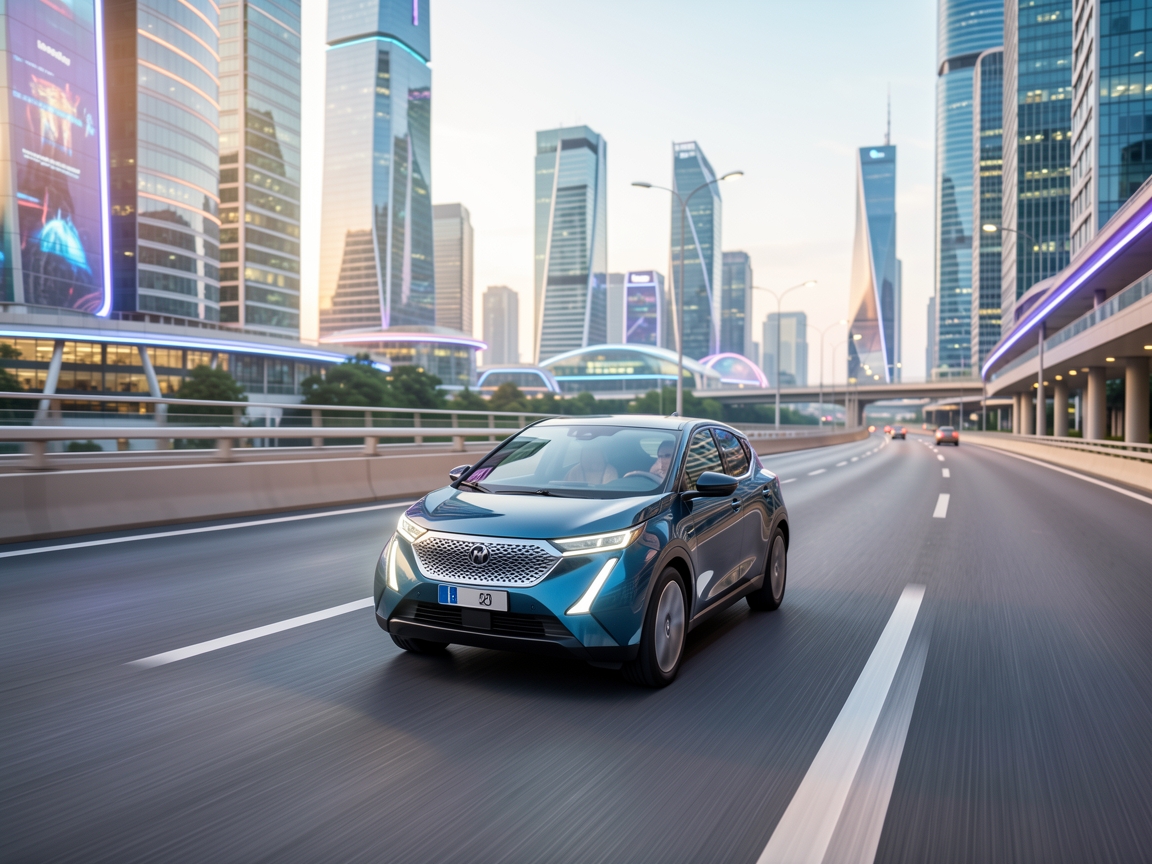


รวมตัวอย่าง 5 สไตล์ภาพสำหรับทำ Story Video เรียงตามโฟลเดอร์ style-1 ถึง style-5 พร้อม prompt ภาษาอังกฤษแบบคัดลอกไปใช้งานได้ทันที
แต่ละสไตล์มีภาพตัวอย่างจาก agnes.png และ fast.png เพื่อเปรียบเทียบผลลัพธ์จากโฟลเดอร์เดียวกัน
# 1 Crosshatch
โฟลเดอร์: style-1
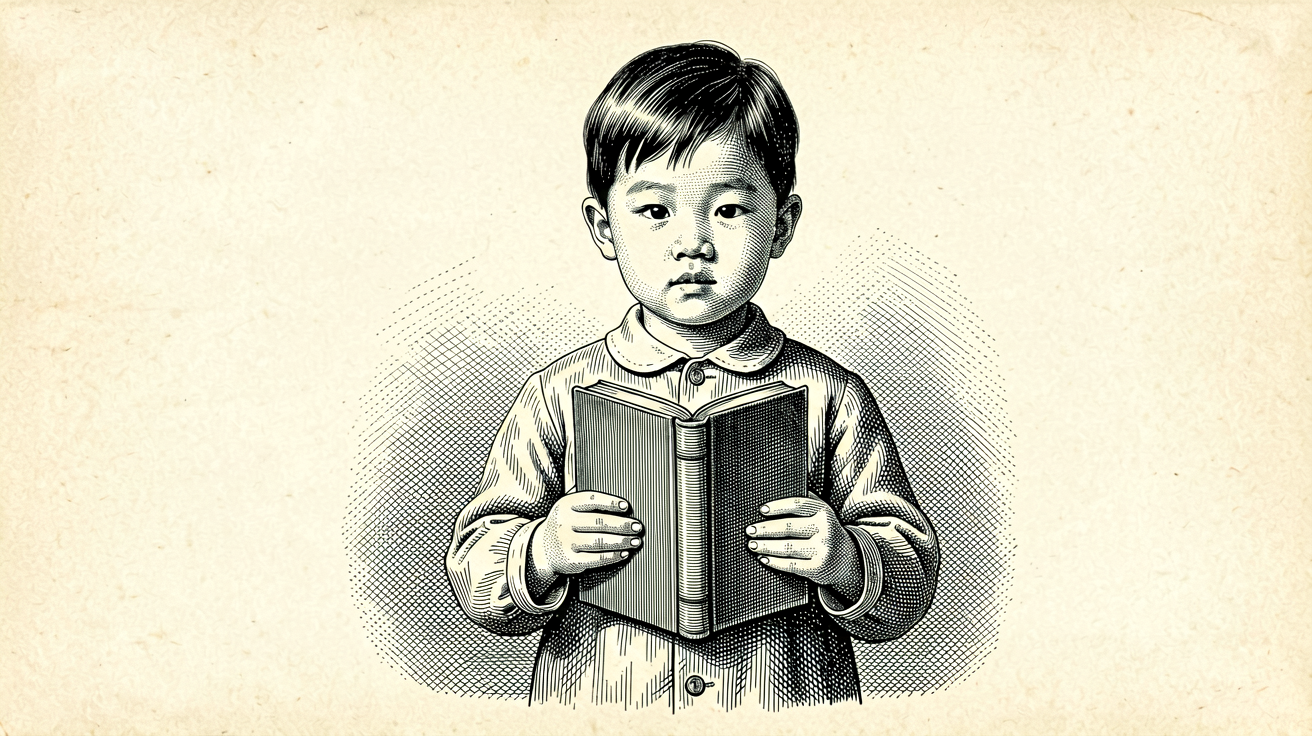
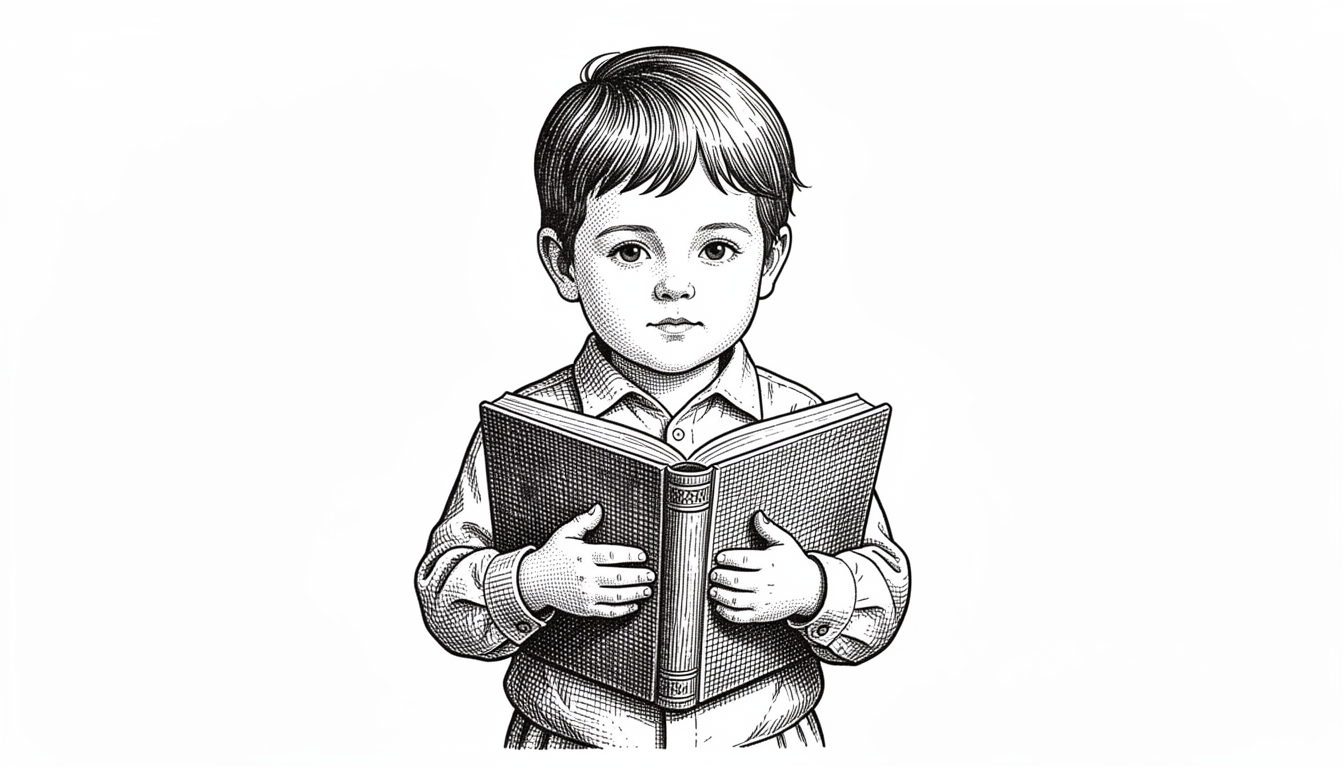
Vintage crosshatch engraved line art, fine hatched lines, monochrome etching style, hands as simple closed shapes with no fingers, no detailed anatomy, single centered figure, no text, no letters, no numbers, no labels, 16:9# 2 Ink brush / sumi-e
โฟลเดอร์: style-2
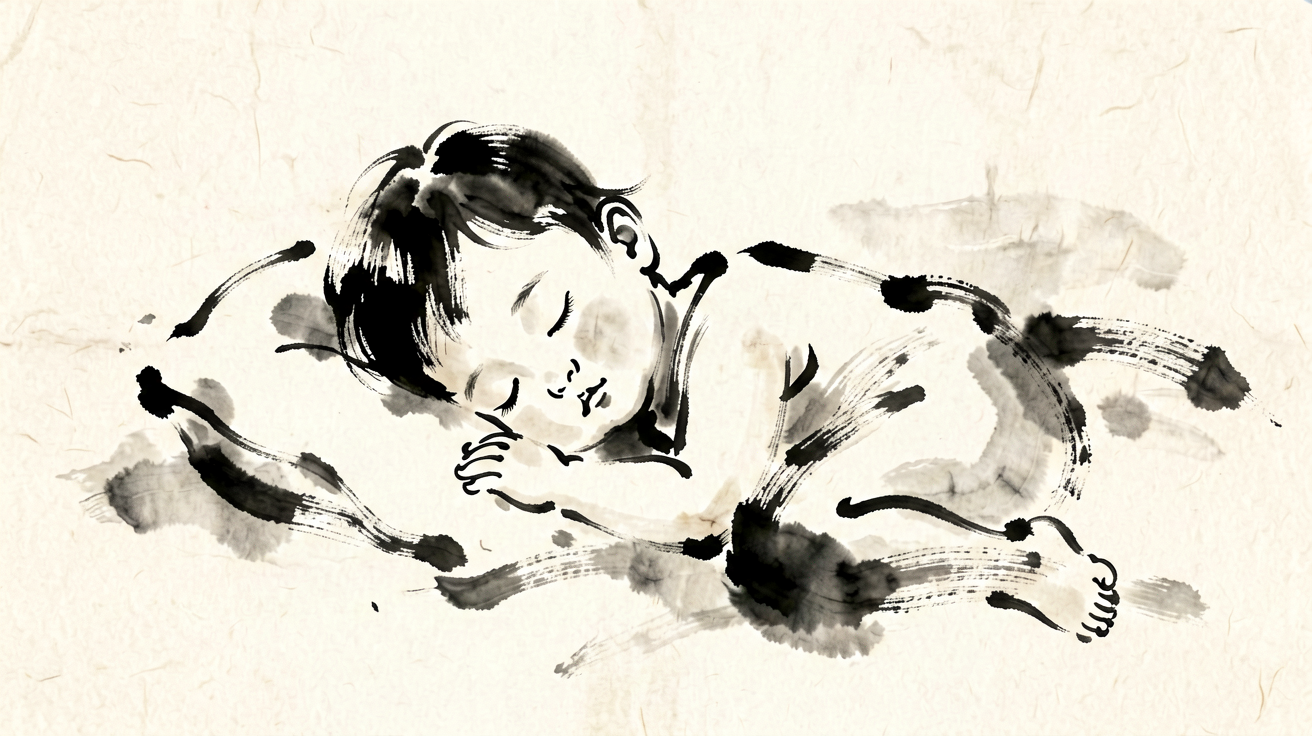
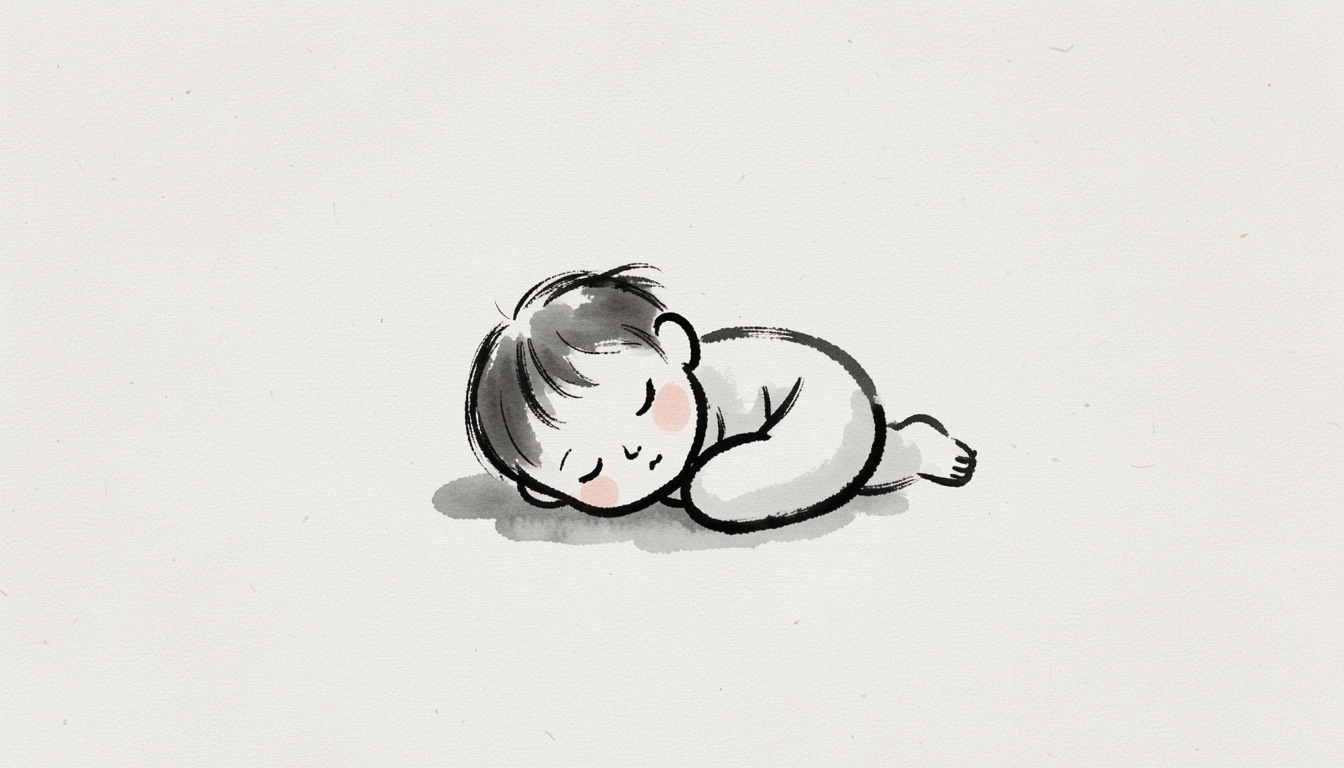
Ink brush sumi-e style illustration, expressive single-stroke ink lines, very abstract and simplified, no fingers, no detailed hands, no realistic anatomy, soft paper texture, no text, no letters, no numbers, no labels, 16:9# 3 Layered paper-cut
โฟลเดอร์: style-3

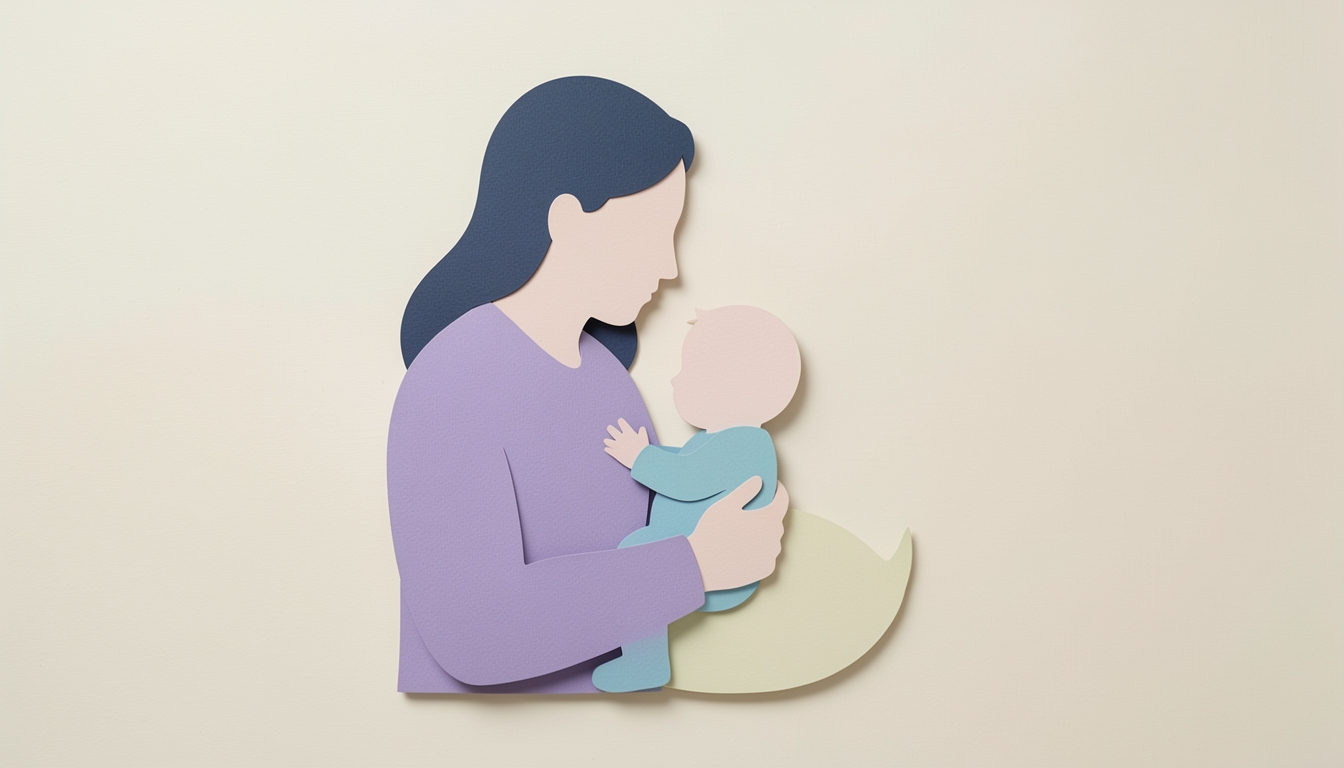
Layered paper-cut craft art style, soft depth, simple rounded silhouettes, no visible hands, no fingers, no detailed limbs, clean cut edges, no text, no letters, no numbers, no labels, 16:9# 4 Stick figures
โฟลเดอร์: style-4

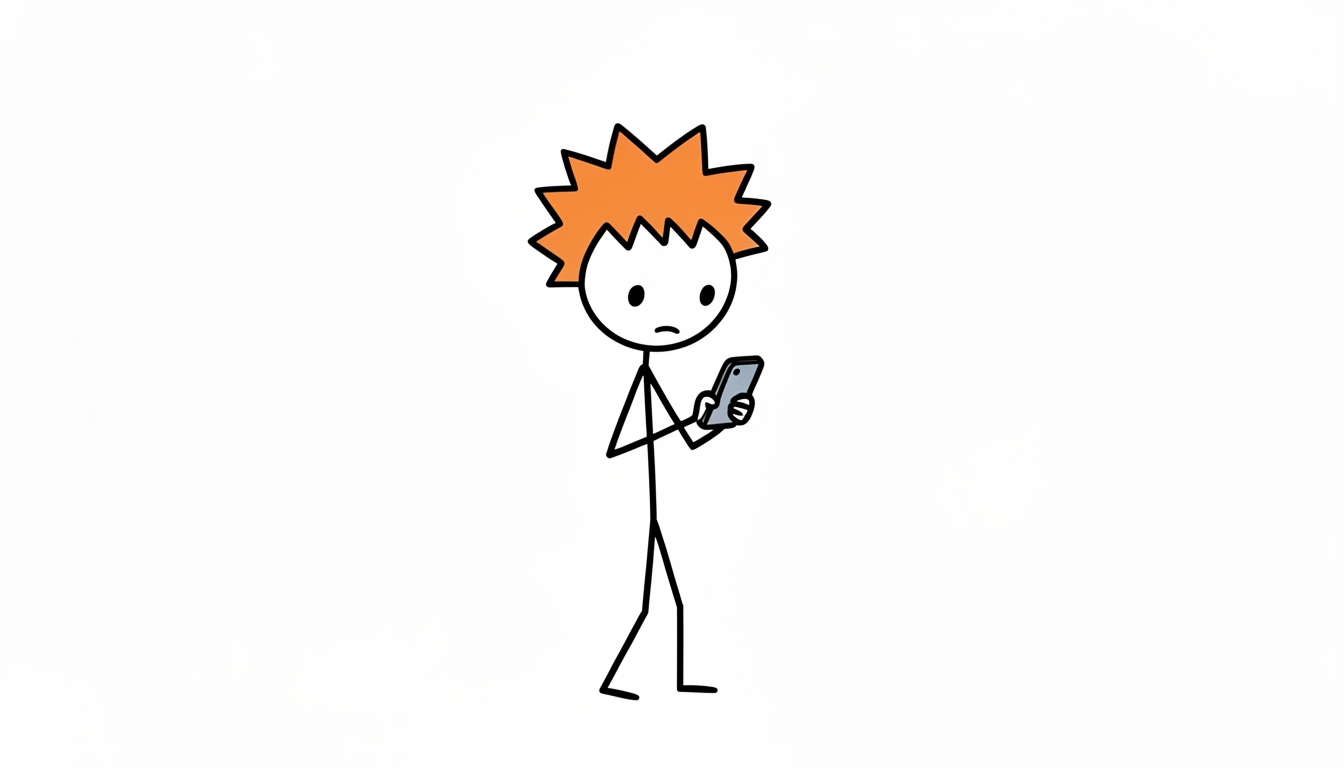
Simple hand-drawn cartoon line art, simple stick figures, clean black outlines, flat colors, minimal composition, plain uncluttered background, no text, no letters, no numbers, no labels, no logos, no writing, 16:9# 5 Clean outlines
โฟลเดอร์: style-5
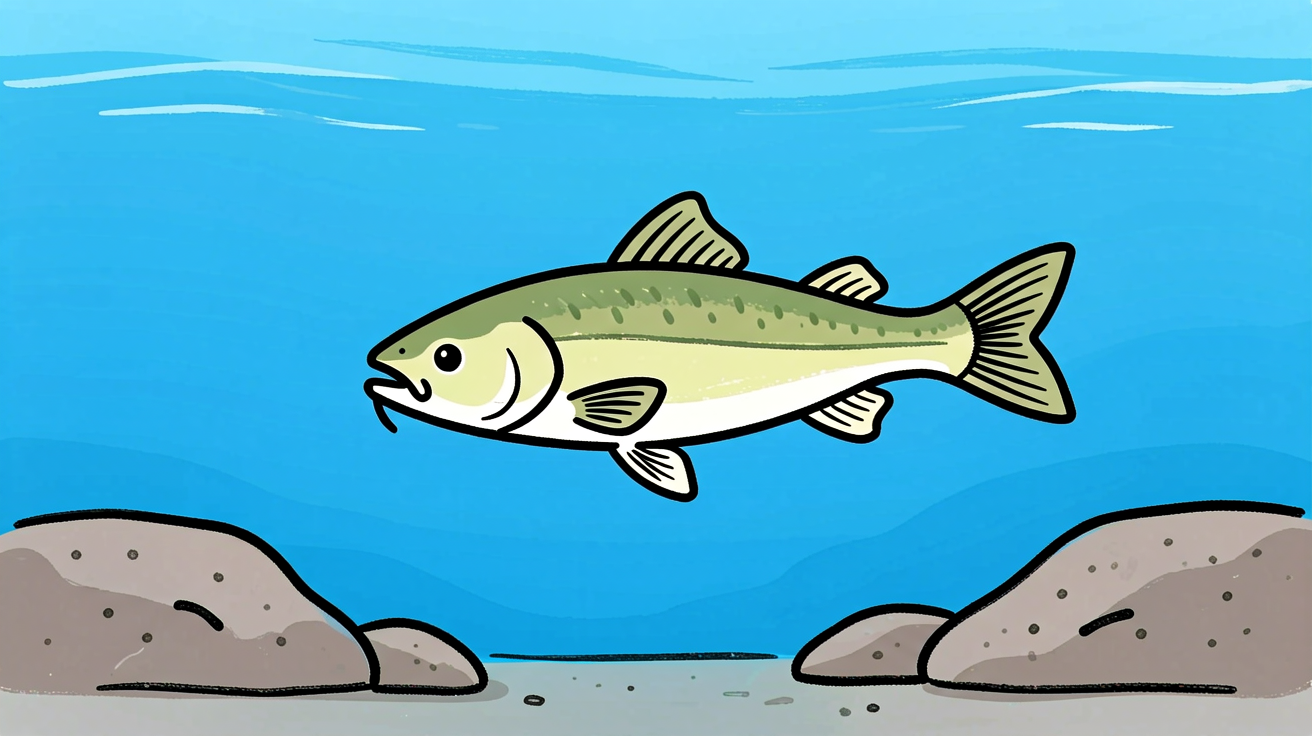
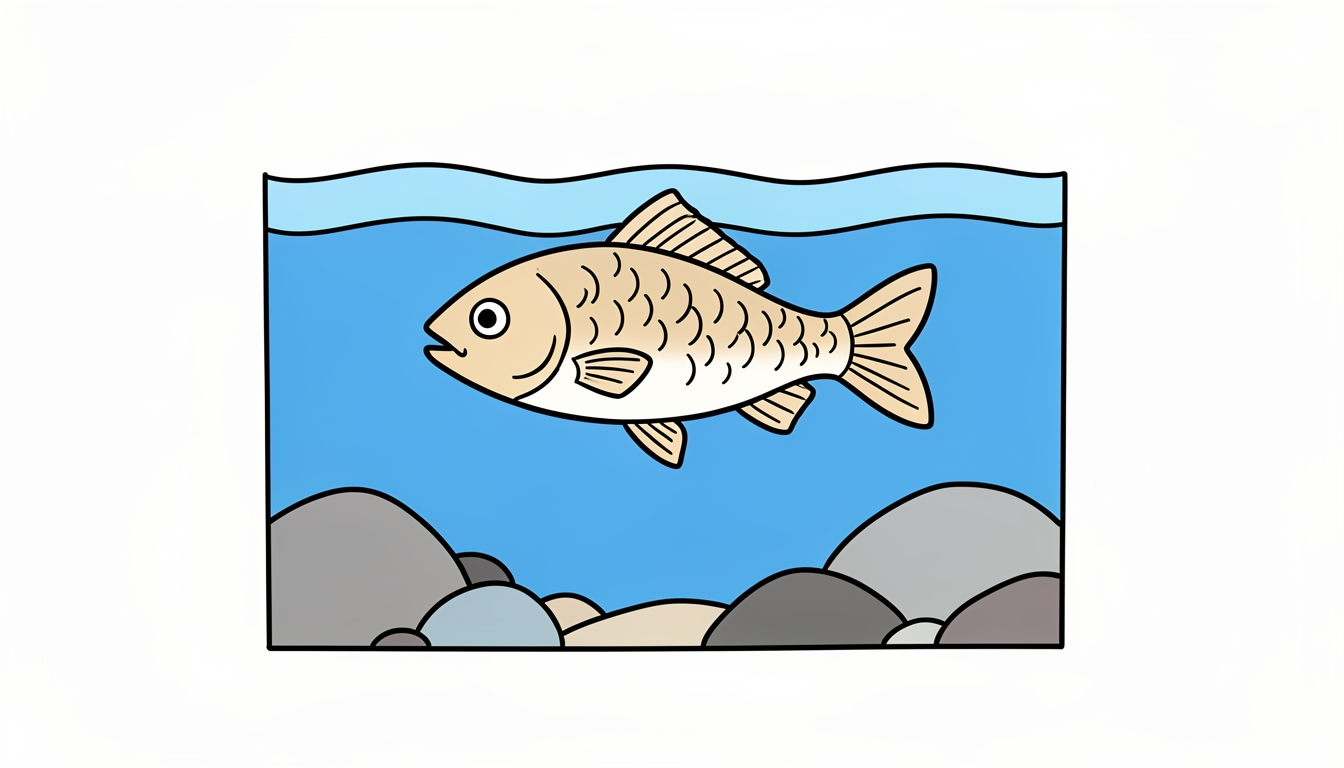
Simple hand-drawn cartoon line art, clean black outlines, flat colors, minimal composition, plain background, no text, no letters, no numbers, no labels, no symbols, 16:9วิธีเลือกสไตล์
- Crosshatch: เหมาะกับภาพวินเทจ งานแกะสลัก และโทนขาวดำ
- Ink brush / sumi-e: เหมาะกับภาพนามธรรมและอารมณ์ศิลปะญี่ปุ่น
- Layered paper-cut: เหมาะกับภาพนุ่ม มีมิติ และงานคราฟต์
- Stick figures: เหมาะกับวิดีโออธิบายเรื่องราว ดูเข้าใจง่าย
- Clean outlines: เหมาะกับภาพเรียบง่าย สีแบน และองค์ประกอบสะอาด
นำ prompt ไปต่อท้ายคำอธิบายฉากใน
scenes.pyและคงสไตล์เดียวกันทุก shot หากต้องการให้ภาพในวิดีโอดูต่อเนื่อง